Redact a PDF in your browser.
Drop a PDF, check what will be hidden on every page, and download a copy where the text under each box is gone for good. Nothing is uploaded.
Drop a PDF, check what will be hidden on every page, and download a copy where the text under each box is gone for good. Nothing is uploaded.
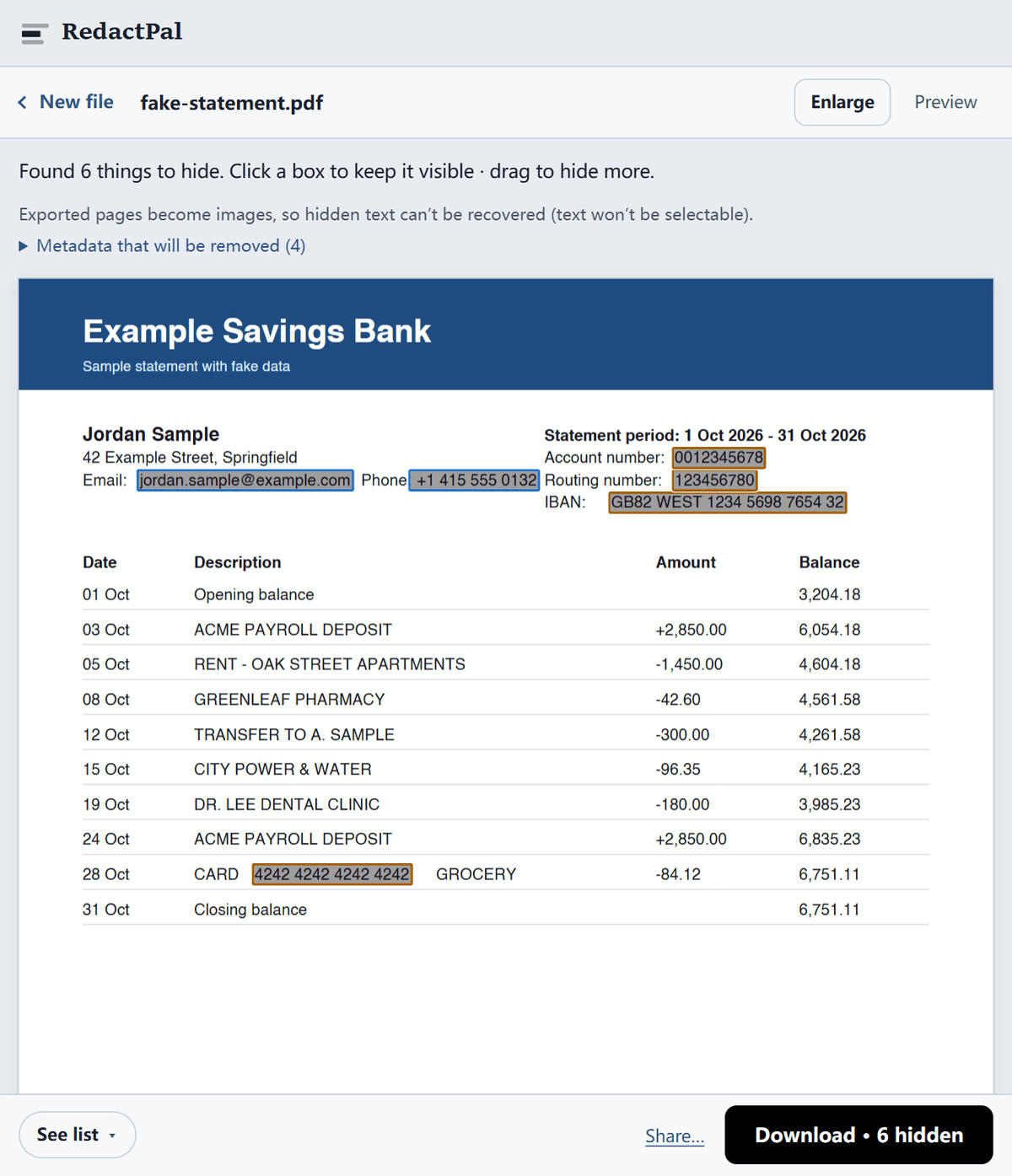
Drawing a black rectangle over text in a PDF editor usually just adds a shape on top. The words are still in the file: select the area, copy, and paste them somewhere else, or search the document for them. Hidden layers, form fields, comments and document properties (author, title, the software that made it) can give away even more.
RedactPal avoids all of this by not reusing your file at all. Each page is drawn as an image with the boxes painted in, and a brand-new PDF is made from those images. Fonts, text, links, annotations, attachments and metadata from the original are not carried over.
Need to hide something in a screenshot or a block of text instead? The main tool handles images and text the same way, and our guide explains why blurring is not a safe substitute.
You don't have to take our word for it. The test takes a minute.
connect-src 'self' blob: data:, so it can't connect to other servers. The full test, for any redaction tool shows what to look for.Updated · By Yuntao Zou
No. The downloaded PDF is not your original file with shapes drawn on top. Every page is rendered to an image with the boxes burned in, and a new PDF is built from those images, so there is no text layer left to select, copy or search.
Yes. Pages without a text layer are read with on-device text recognition (OCR, English), and large images inside text pages are read too. Check those pages carefully, since OCR can miss small or faint text — drag over anything it didn’t catch. See how to redact a scanned PDF.
RedactPal handles up to 200 pages at a time. Split longer documents into parts first.
Not directly. Open it with the password, save or print it to a new PDF without one, and redact that copy.
The redacted copy is made from page images, which is what guarantees the hidden text is gone for good. Keep your original if you need a searchable version for yourself.